
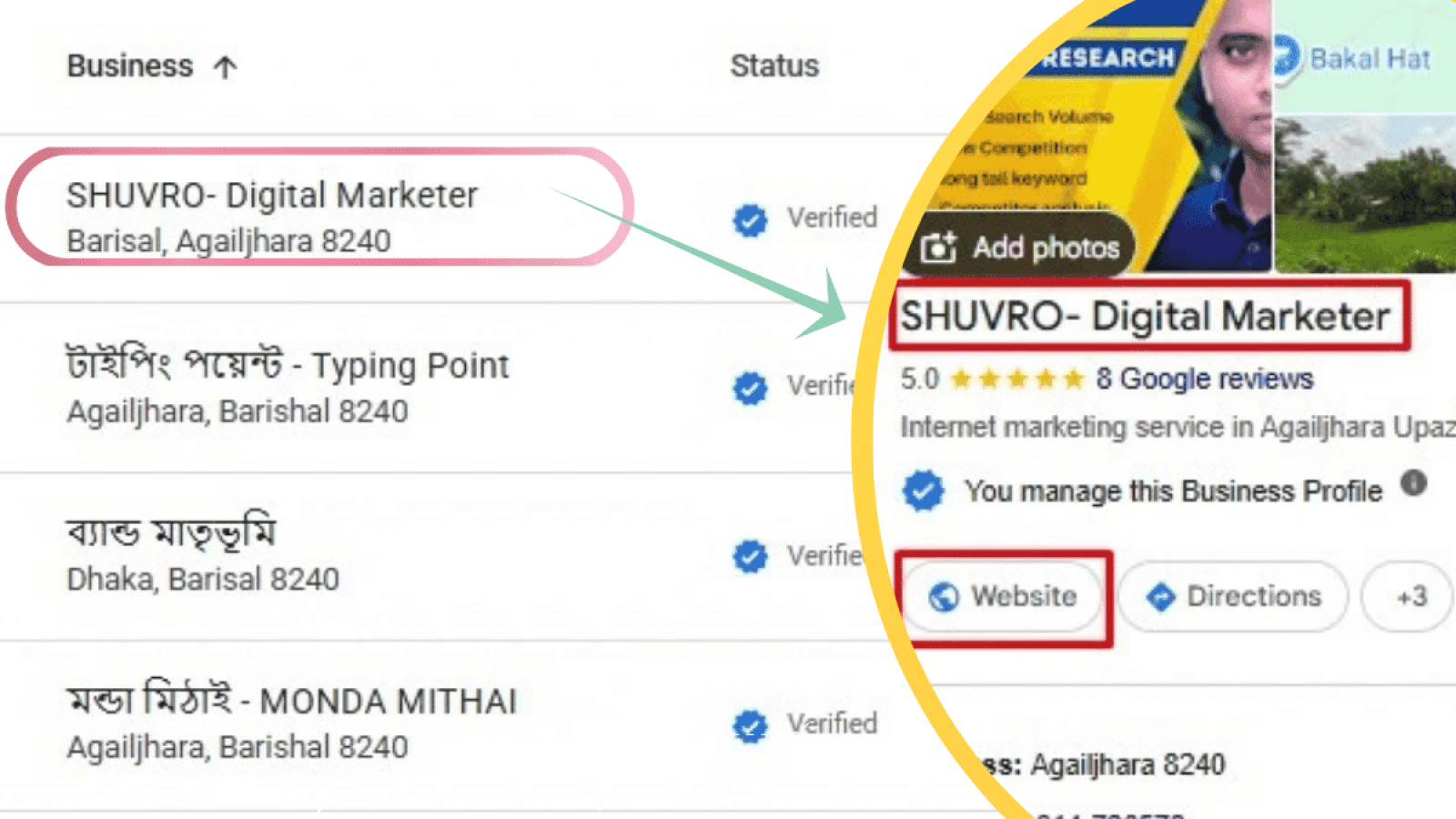
You’ve created your Google Business Profile, completed verification and added your business information. But when you search for your company on Google Maps, it simply doesn’t appear. If you’re asking “why is my business not showing on Google Maps?”, you’re not alone. This is a common issue for new and established local businesses, and the reason isn’t always the same.
Your profile may be new, your business information may need attention, or your listing may exist but have poor visibility for the searches that matter to you. The good news is that most of these problems can be identified with a few simple checks.
Is Your Business Actually Missing From Google Maps?
Before trying to fix anything, determine exactly what is happening. Search for your business name + town or city on Google Maps. Then perform a second search using your main service and location.
Example:
ABC Plumbing Birminghamplumber Birminghamemergency plumber Birmingham
If your business appears for the first search but not the others, your profile probably hasn’t disappeared. It simply isn’t ranking well for those service-related searches. This distinction is important:
Not appearing on Google Maps at all is different from not ranking highly on Google Maps.
The first can indicate a profile or eligibility problem. The second is usually a local SEO and ranking issue.
10 Reasons Your Business Is Not Showing on Google Maps
1. Your Google Business Profile Isn’t Verified
One of the first things to check is verification. If you’ve created a Google Business Profile but haven’t completed the required verification process, your business may not appear properly across Google. Log into the Google account that manages your profile and check whether Google is requesting verification or additional information. If the profile is already verified, move on to the next checks. Verification is important, but it doesn’t guarantee high rankings.
2. Your Business Profile Is Too New
New businesses often need some time before their Google Maps presence becomes established. If you recently created or verified your profile, don’t assume something is wrong simply because you can’t find it immediately. This is particularly true if you’ve also recently changed:
- Your business name
- Primary category
- Address
- Service area
- Opening hours
- Other important business information
Give Google time to process the changes and avoid repeatedly editing the profile without a clear reason.
3. Your Business Is Showing, But Not for Your Target Search
This is one of the most common explanations for a business not showing on Google Maps. Imagine you own a roofing company in Manchester. Your business appears when someone searches:
“ABC Roofing Manchester”
But it doesn’t appear when someone searches: “roofers near me”
Your profile hasn’t necessarily disappeared. Google determines which businesses are relevant to each search. Local results are influenced by factors such as relevance, distance and prominence. So a business can appear for its own name while having limited visibility for competitive service searches. This is where Google Maps SEO becomes important.
4. Your Business Information Is Incomplete
Google needs accurate information to understand your business and match it with relevant searches. Review your Business Profile and make sure the important details are complete:
- Business name
- Primary category
- Services
- Opening hours
- Phone number
- Website
- Address or service area
- Business description
- Photos
Don’t add keywords everywhere just because you’re trying to rank.
Your information should describe the real business clearly and naturally. A complete profile also gives potential customers more confidence when they find your listing.
5. Your Primary Business Category Is Incorrect
Your primary category helps Google understand what your business does.For example, if you’re an electrician, choose a category that accurately represents your electrical business. Avoid unrelated categories just because they may have higher search volume.
Ask yourself: “Would someone immediately understand what my business does from this category?” If not, it’s worth reviewing
6. Your Profile Has Been Suspended
If your business was previously visible but suddenly disappeared, check whether your profile has been suspended or restricted. A suspension is different from poor ranking. If your profile is suspended, improving your website or building backlinks won’t solve the immediate problem. You first need to understand why Google has restricted the profile and follow the appropriate process to resolve it.
Check the Google account managing the profile for notifications, warnings or requests for action.
⚠️ Don’t create another profile to bypass a suspension.
7. Your Address or Service Area Isn’t Set Up Correctly
Many local service businesses don’t have a customer-facing shop. Think about:
- Plumbers
- Electricians
- Roofers
- Tree surgeons
- Builders
- Cleaners
These businesses often travel to customers. If you’re a service-area business, your Google Business Profile should accurately represent where you actually provide your services. Don’t add fake addresses simply to rank in additional towns. A genuine service area is much safer and more useful than trying to create a separate presence everywhere.
8. Your Business Information Is Inconsistent Online
Your Google Business Profile isn’t the only place where information about your company exists. Google may also encounter your business information on:
- Your website
- Business directories
- Social media profiles
- Industry websites
- Local directories
- Other websites
Check whether your important information is reasonably consistent across these sources. Pay particular attention to your:
Business name → Address → Phone number → Website
If your website has one phone number while several important directories show an old number, update them. Consistency helps create a clearer picture of the business you’re trying to establish online.
9. Your Competitors Have Stronger Local SEO
Sometimes there’s nothing technically wrong with your profile. Your competitors are simply stronger. Suppose ten roofing companies are targeting the same area. Google has to decide which businesses are most relevant and useful for a particular search. A competitor may have:
- More genuine reviews
- A stronger website
- Better local content
- More relevant backlinks
- Stronger business citations
- Better-established local authority
In that situation, your profile may be perfectly healthy but still struggle to rank. This is where a broader local SEO strategy can make a difference. For a more specific example, see our guide to SEO for Plumbers.
10. You’re Checking From the Wrong Location
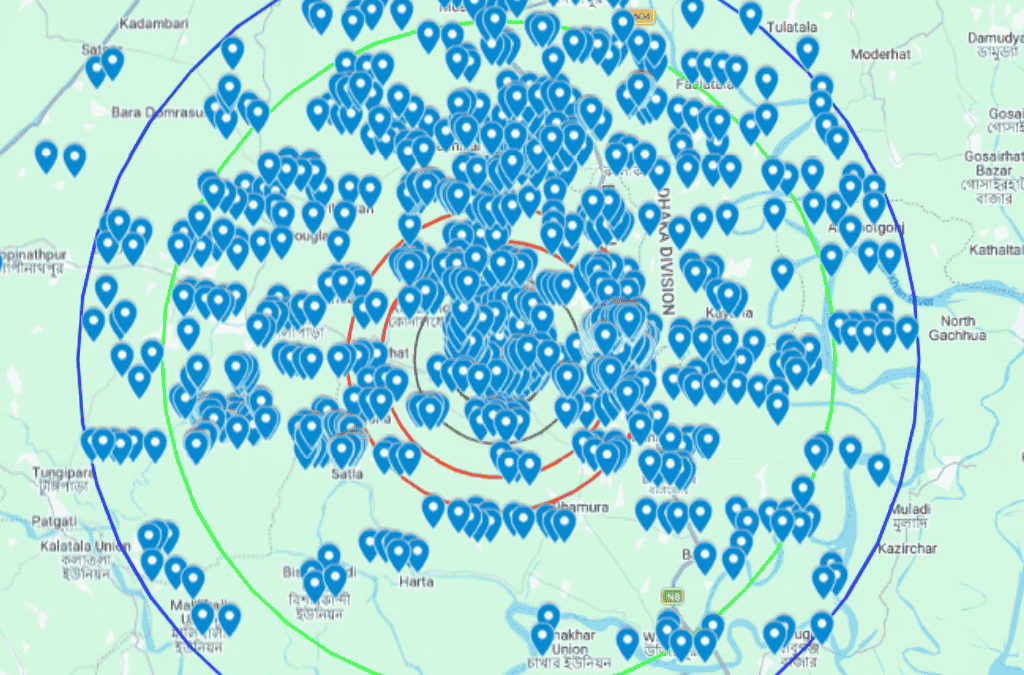
Local search results aren’t necessarily identical everywhere. A business may appear prominently to someone searching from one part of a city but not appear in the same position for someone several miles away. That’s because proximity is an important part of local search.
So don’t test your Google Maps visibility only once from your office or home and assume that result represents everyone. Instead, compare relevant searches from different areas where appropriate. The objective isn’t to rank everywhere. It’s to appear prominently when relevant customers in your genuine service area are searching.
Why Is My Verified Business Not Showing on Google Maps?
This is a common question. A verified profile does not automatically guarantee visibility on Google Maps. Verification confirms your Google Business Profile, but ranking is a separate matter. If you have a verified business not showing on Google Maps, check these three things first:
1. Search your exact business name
If your profile appears, it is likely active.
2. Check service searches
If it only disappears for service-related searches, you may have a local ranking issue.
3. Check if it has disappeared completely
If so, review verification, suspension, eligibility and other profile issues before focusing on SEO.
How to Improve Your Google Maps Visibility
Once you’ve confirmed that your profile is active, the next step is improving its overall local presence.
Keep your Business Profile accurate
Make sure your business information reflects reality and is regularly maintained.
Choose relevant categories
Use the most accurate primary category and appropriate secondary categories.
Build genuine customer reviews
Real customer reviews can contribute to local visibility and, more importantly, help potential customers trust your business. Never buy fake reviews.
Improve your website
Your website should clearly explain your services, business information and the areas you genuinely serve.
Create useful local content
Don’t create dozens of pages simply by replacing one town name with another. Instead, publish genuinely useful content that answers questions your potential customers actually have.
Build relevant links and citations
Relevant local directories, industry websites and genuine editorial links can strengthen your wider online presence. For example, a roofing business can build its topical relevance through useful roofing content and appropriate industry references. Our Local SEO for roofers guide covers the subject in more detail.
Google Maps SEO vs Local SEO
These terms are often used interchangeably, but there is a useful distinction. Google Maps SEO focuses heavily on improving a business’s visibility within Google Maps and the local results associated with it. Local SEO is broader.
- Google Business Profile optimisation
- Local landing pages
- On-page SEO
- Local citations
- Reviews
- Local backlinks
- Location-based content
- Website optimisation
Your Google Business Profile and website should support each other rather than operate as two separate marketing channels. For a tree surgery company, for example, the Business Profile can establish the business locally while the website provides deeper information about its services and expertise. You can read more about this approach in our SEO for Tree Surgeons guide.
Should You Create a New Google Business Profile?
Usually, not before investigating the existing profile. If your current profile is verified and active, creating another listing can create unnecessary confusion.
First check:
- Is the existing profile active?
- Is it verified?
- Does it appear for the business name?
- Is the business information correct?
- Is there a suspension?
- Is there already another listing for the same business?
A Quick Google Maps Troubleshooting Checklist
If your business not showing on Google Maps, work through this list:
| Check | What to look for |
|---|---|
| Verification | Is the profile verified? |
| Profile status | Is it active or suspended? |
| Business name | Is the real business name being used? |
| Category | Does it accurately describe the business? |
| Location | Is the address/service area correct? |
| Website | Is the correct website connected? |
| Phone | Is the correct number displayed? |
| Duplicate listings | Is another profile already present? |
| Branded search | Can you find the business by name? |
| Service search | Does it appear for your main service? |
| Competitors | Are competing businesses significantly stronger? |
| Location testing | Does visibility change by search location? |
This gives you a much clearer picture of what’s actually going wrong.
Frequently Asked Questions
Why is my business not showing on Google Maps?
Your profile may be new, unverified, suspended, incomplete or poorly optimised. If it appears for your business name but not for service-related searches, the issue is more likely to be local ranking rather than profile availability.
Why is my business not showing on Google Maps after verification?
Verification does not guarantee high rankings. Your profile may be active but have limited visibility because of relevance, competition, distance or other local SEO factors.
How long does it take for a new business to appear on Google Maps?
There isn’t one fixed timeframe for every business. New profiles and recent changes can take time to be processed, so avoid repeatedly making changes without identifying a specific problem.
Why is my business showing on Google but not Google Maps?
Check whether you’re seeing your website in Google’s organic results rather than your Business Profile. Organic search visibility and Google Maps visibility are separate parts of search.
Can SEO help my business rank higher on Google Maps?
Yes. Local SEO can support Google Maps visibility through Business Profile optimisation, relevant website content, reviews, citations and other local signals. However, no legitimate SEO strategy can guarantee a particular Maps position.
When you search “why is my business not showing on Google Maps”, the first step shouldn’t be changing everything in your profile.
.If the profile doesn’t appear at all, investigate verification, suspension, eligibility and profile information. If it appears when you search the business name but disappears for service searches, you’re probably looking at a local ranking issue. That’s when a broader SEO strategy becomes important. Your Google Business Profile, website, reviews, local content, citations and relevant links should all reinforce the same genuine business.
The goal isn’t simply to be on Google Maps. The goal is to be visible when the right local customers are searching for the services you provide.And if you’re researching opportunities for a new UK-focused business, you can also take a look at our Small Business Ideas UK guide.
Leave a Comment